Computer Graphics
OpenGL 3.3 Core Rendering Engine — C++ / GLSL — ESIEE Paris, E4FI (2026)
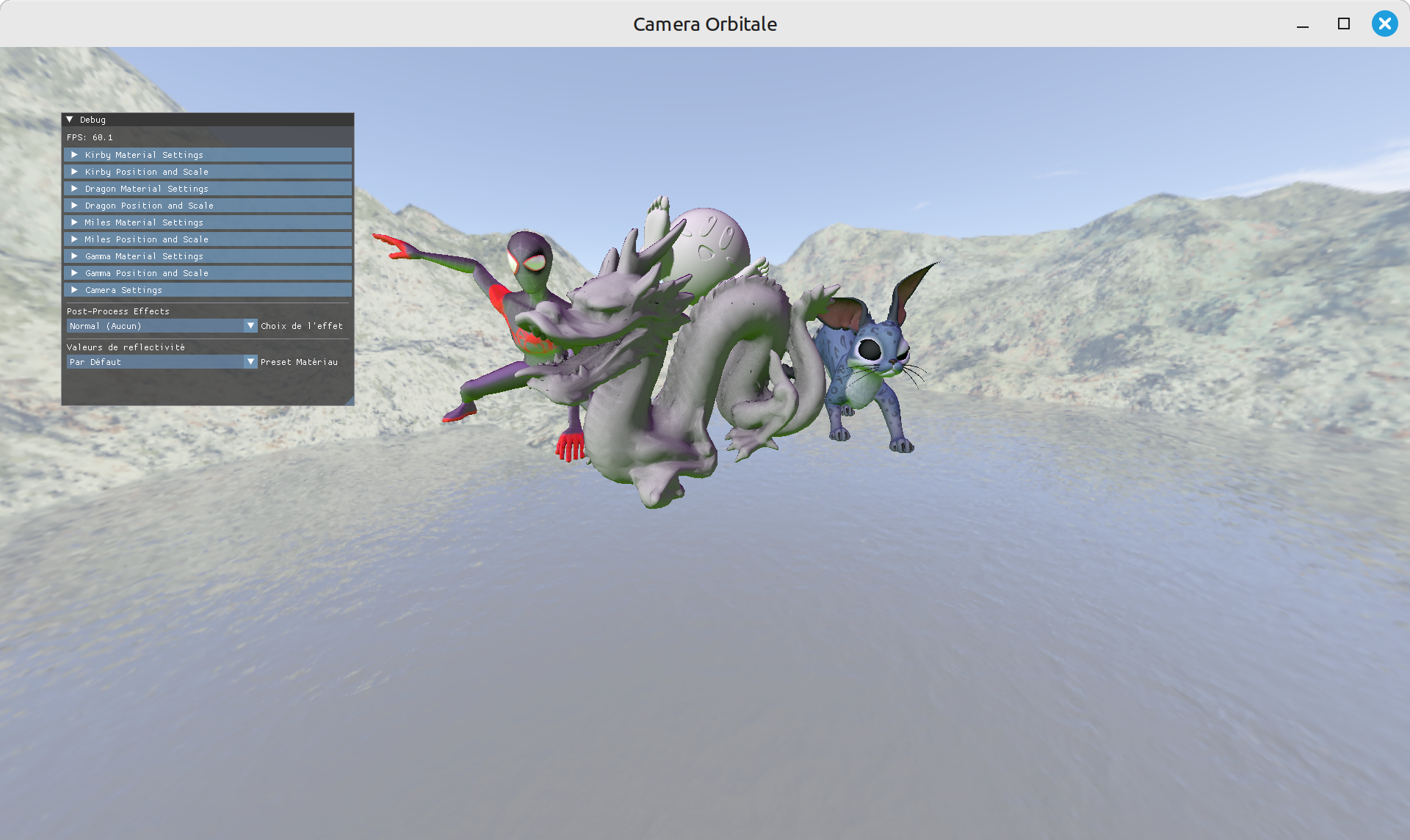
OpenGL 3.3 Core Rendering Engine — C++ / GLSL — ESIEE Paris, E4FI (2026)
Project developed in OpenGL 3.3 Core Profile (GLSL 330) by AUBRY Mathias and TOUSSAINT Nolan. It is a real-time 3D rendering engine implementing a complete pipeline: model loading, direct and indirect lighting, off-screen rendering, and post-processing, featuring a real-time control interface.
Project scene
.obj files via TinyObjLoader (.mtl materials
and textures via stb_image), and the Dragon loaded from a raw data array.GL_FRAMEBUFFER_SRGB.R key to reset the view.8 post-processing effects selectable via ImGui (applied in full screen on the FBO texture): none (passthrough), color inversion, black & white, box blur (3×3), sepia, edge detection (convolution kernel), chromatic aberration, pixelation.
Cubemap Skybox with 6 faces (PNG), sharing the camera UBO and drawn last
using GL_LEQUAL.
ImGui Interface to adjust materials and textures for each object in real time, along with their position, scale, camera parameters, post-processing effects, and the Fresnel reflectivity preset.
This project was carried out within an academic framework (ESIEE Paris, E4FI) and is not intended for commercial distribution. Third-party libraries (TinyObjLoader, stb_image, Dear ImGui) are used under their respective licenses.